

See it · demo lab · simulated data
See Homelab Twin
The app isn't open to the public yet. Watch it here, or book a short walkthrough and we show it to you on a call.
Stills
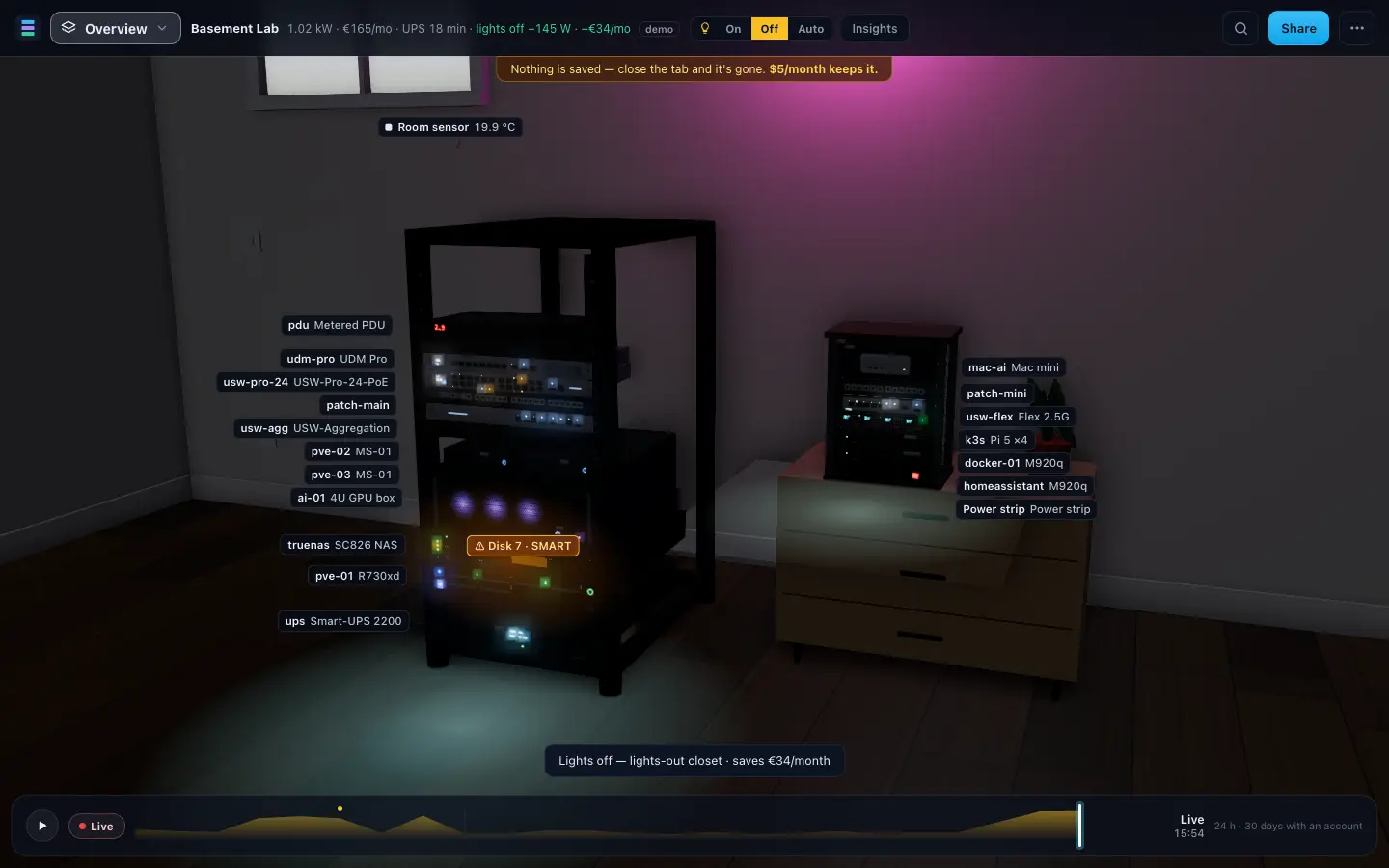
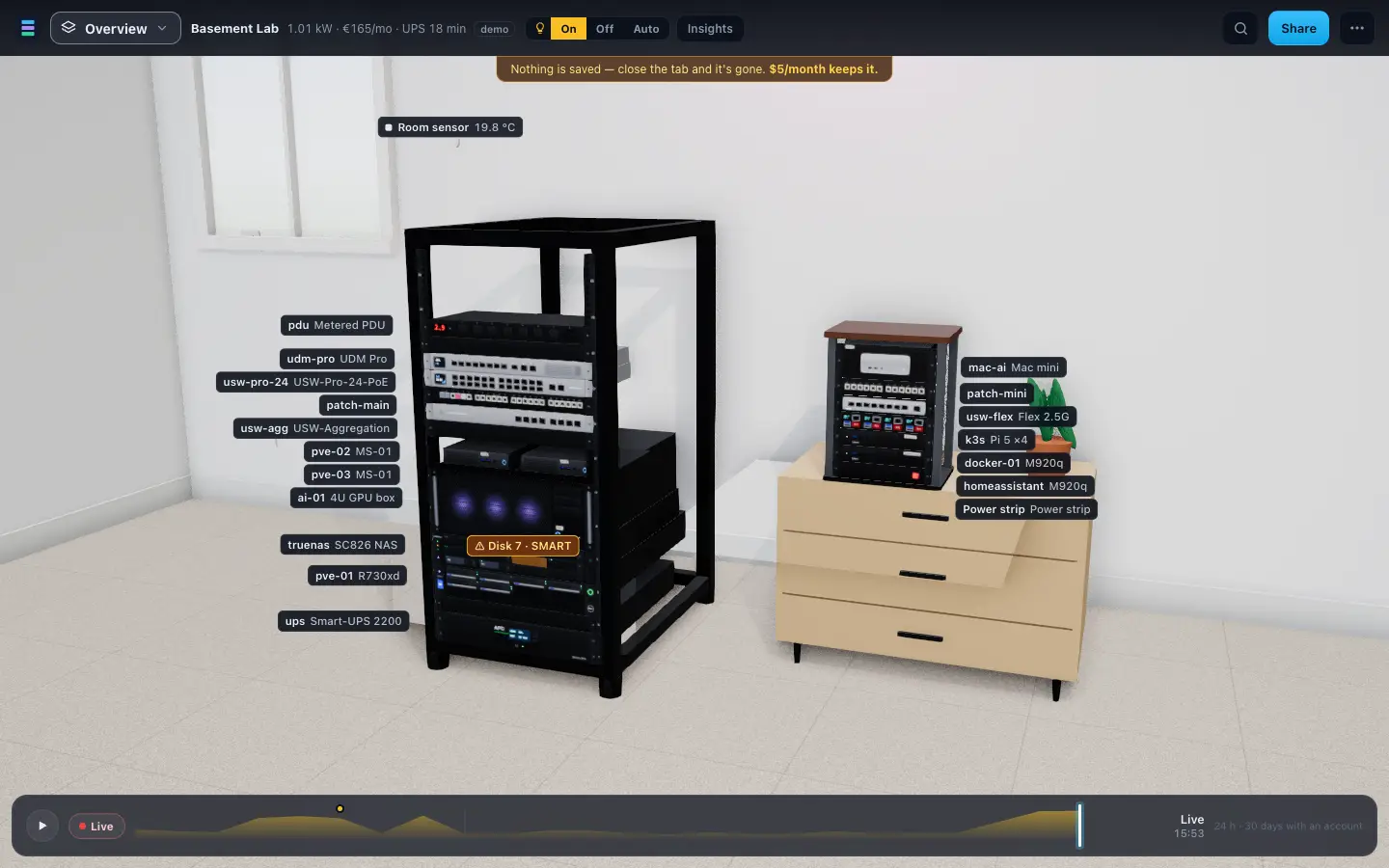
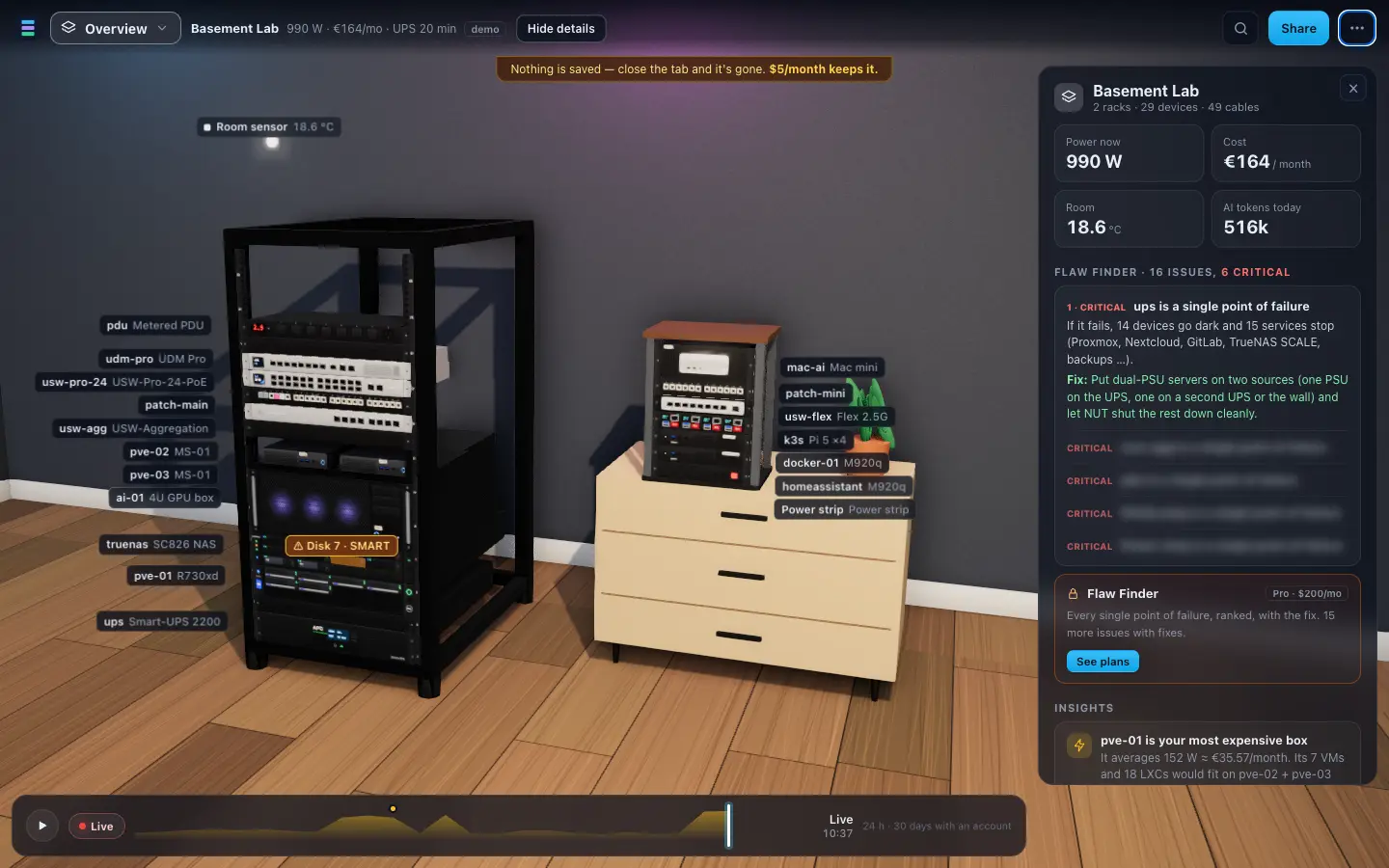
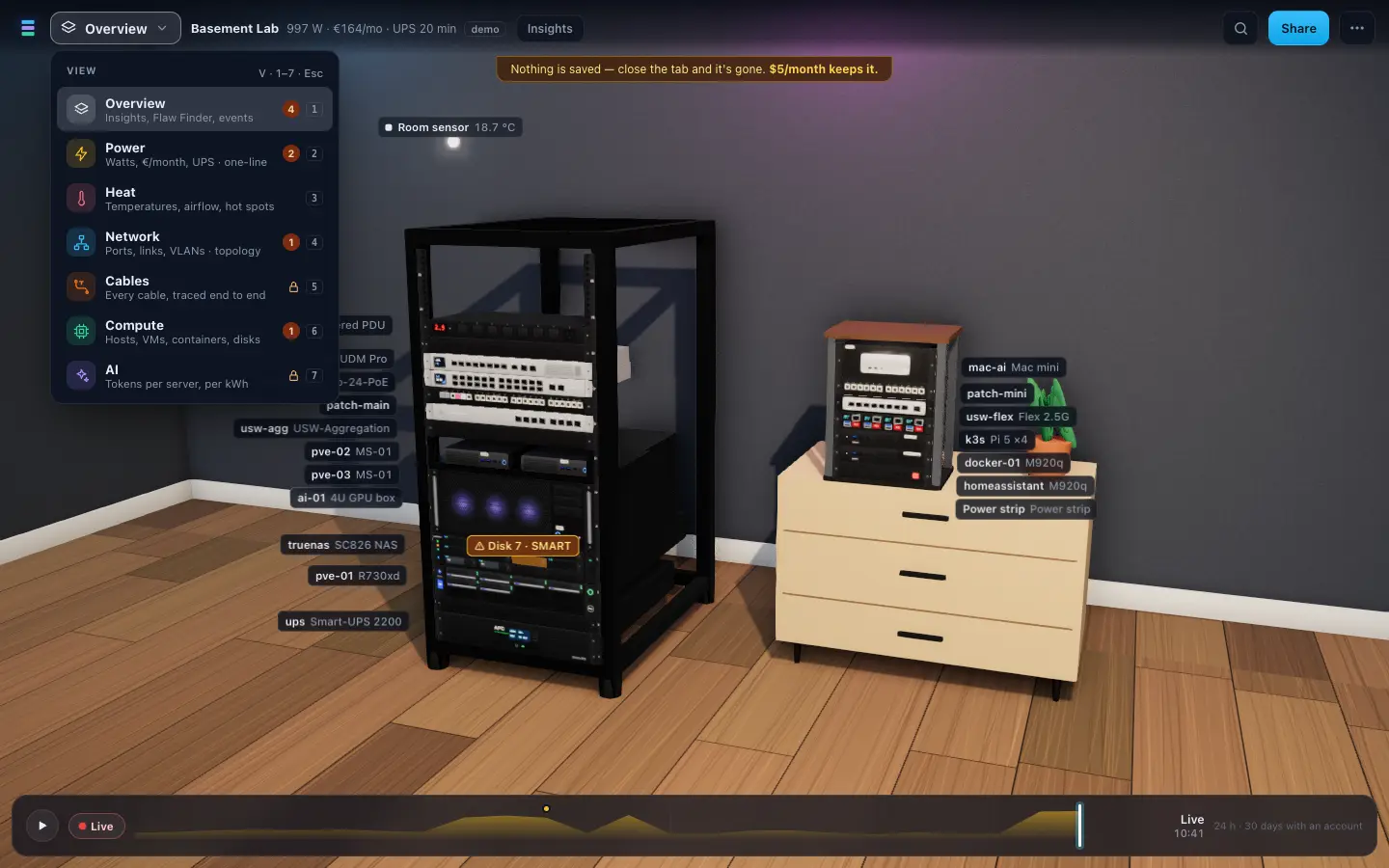
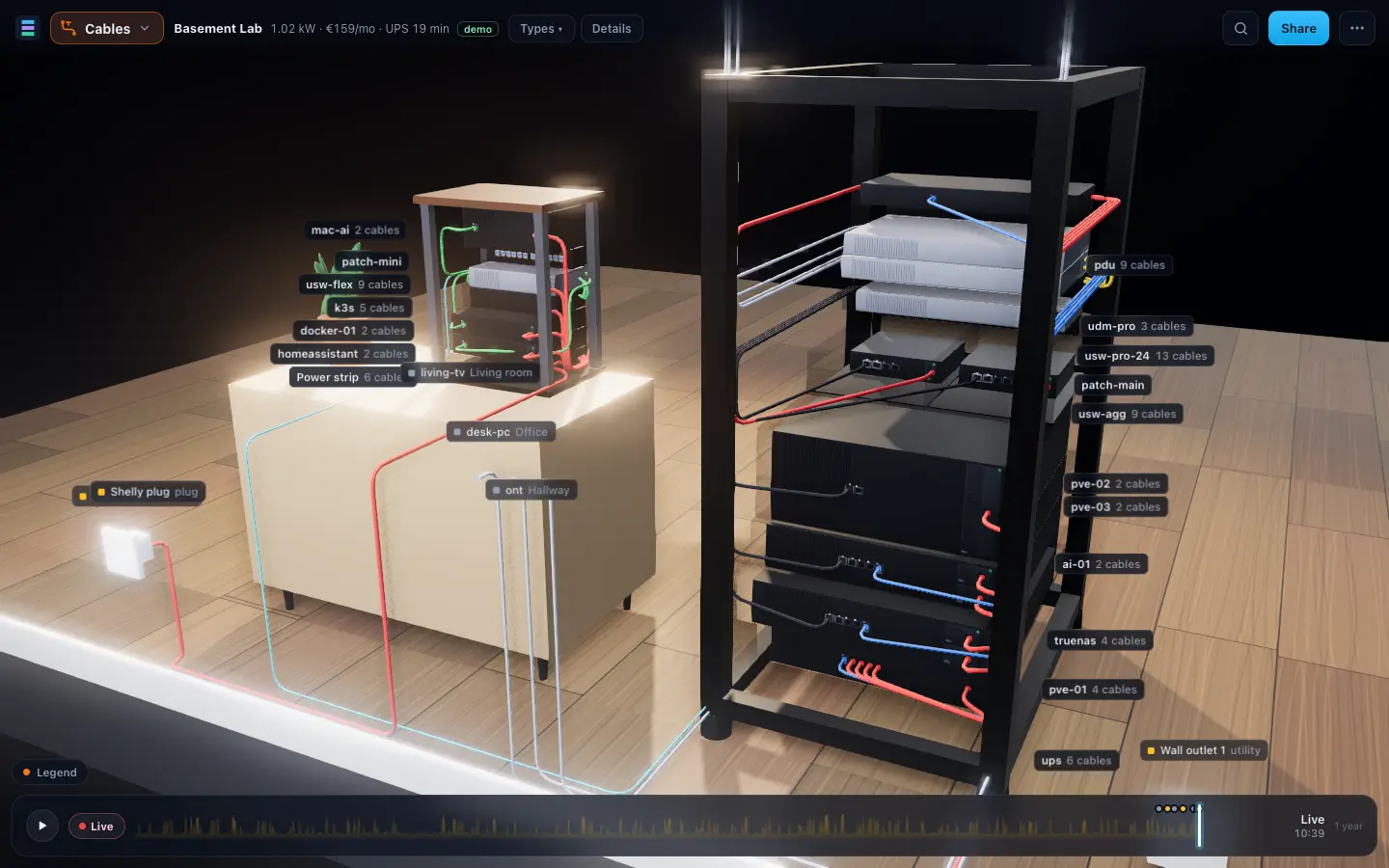
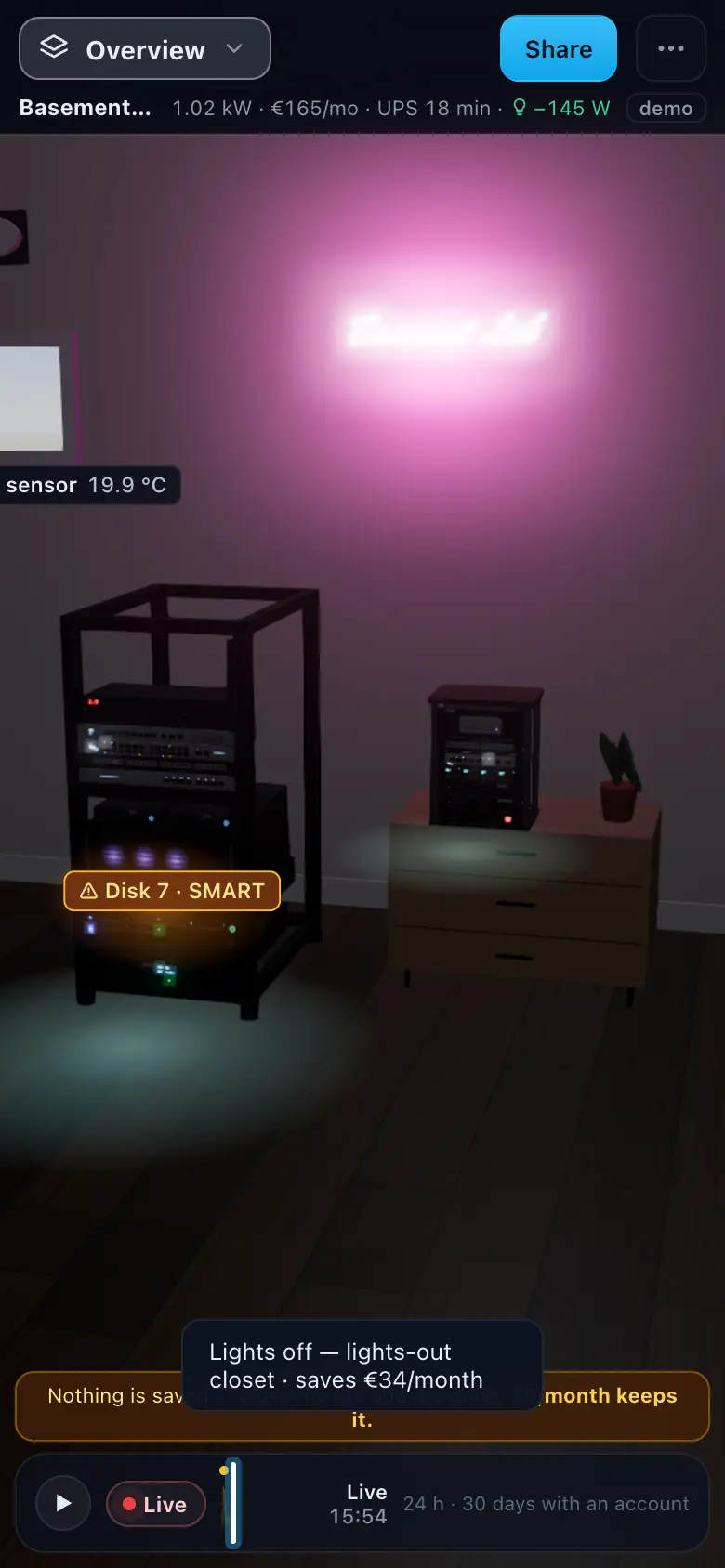
Get your sheet ready
Your lab in three steps
- 01Download the template. One sheet per topic: Devices, Cables, Racks, Power, Networks, Readings.
- 02Fill in Devices. One row per device, with rack, U (the lowest unit it sits in) and model. Leave U empty for gear outside the rack, such as access points, cameras or the ISP box.
- 03Import it. .xlsx, or one CSV per sheet. You get an import report (rows imported, rows skipped with the reason, checks pinned on the rack), then your electricity price.
Close the tab and it's gone
Try keeps your lab in the browser tab only: no cookies, no browser storage, nothing sent to a server. Download your lab as a file to come back to it. Accounts that keep your lab are launching soon.
What the import checks
Two devices in one U · a port used twice · 10G on a 1G port or fiber into RJ45 · both power supplies on one feed · a power strip over 80 % · UPS runtime under 5 minutes · a cable shorter than its run · missing labels · undefined VLANs · port errors · cable ends that name an unknown device.
Questions
Why is there no public demo?
We are not opening Homelab Twin to everyone yet. Until we do, you can see it here in clips and stills, or in a walkthrough with us.
What happens in a walkthrough?
A short video call: we open the demo lab and show the views you care about, from the power chain and the Fail what-if to the Flaw Finder and lights-off mode, and answer your questions.
Which file formats will work?
An .xlsx workbook in the template layout, or one CSV per sheet with the same column names.
My device isn't in the catalog. What happens?
Pick it from the device catalog by category and brand, or describe your own device and reuse it. In a spreadsheet, an unknown model still appears as a plain box of the right height, in the right U.
Is anything uploaded or saved?
No. The file is read in your browser, and without an account nothing is stored: no cookies, no browser storage, nothing sent to a server.